


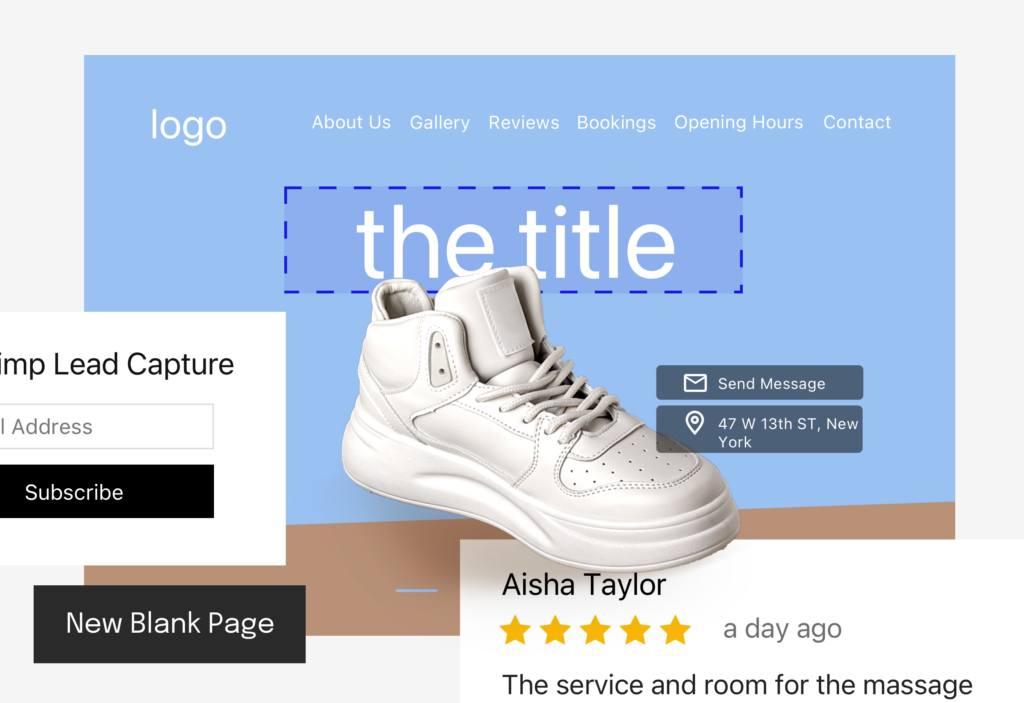
We just released an improvement to our Advanced Layouts: you can now create empty top-level pages. This allows you to creatively add individual pages with bespoke content depending on your preferences.
Highlights
- You can create an empty page to add specialised, bespoke sections to each page. Every page is fully customisable: from the page name to the order of different sections on each page.
- Currently, we offer this feature to all customers on our plans.
- All UENI plans now come with Advanced Layouts, which let you create as many pages as your business needs.
To begin, please ensure that you have enabled an advanced layout on your website. If you are unsure how to do this, follow our guidelines in this article.
Here’s a short tutorial video on how to add a new blank page:
Access your website editor and click on Pages, then choose Add Page or Link and select New Blank Page.

You can then start to add different sections to your page. Simply click on Add Section.

Check out some of our examples below!
In the following examples, we added these sections to our new page:
- Products, Gallery and Contact Form

- Promotions, Products, Reviews, Leave a Message and Contact.

For more information about this feature, please check out our help article for further instructions.